
Brand activation Dubai with AI automation: a practical 30-day launch plan for WhatsApp, QR and on-site lead capture
By Fazal Hussain ·
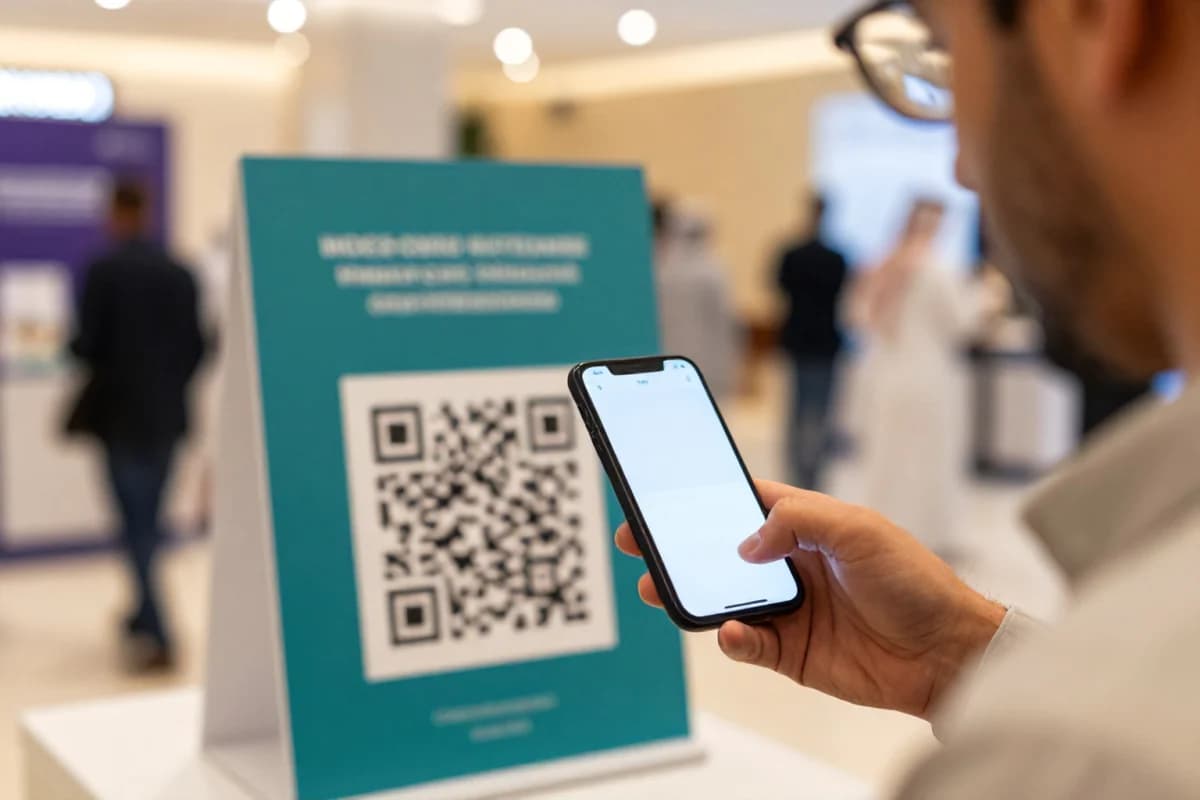
If you want brand activation Dubai to generate real sales conversations, you need an automation flow that captures interest on-site and moves it to WhatsApp with context. In this guide, you’ll set up QR landing pages, instant WhatsApp follow-up, and lead scoring so your team knows who to call and when.
This is the practical playbook DXB360 uses for bilingual UAE activations where people jump between English and Arabic, scan quickly, and prefer WhatsApp for next steps.
Brand activation Dubai with AI automation: the main search phrase you should plan around
Think of your activation as a conversion system, not a moment. The goal is to collect micro-intent during the experience (scan, choose, scan again, opt-in), then route each lead to the right message and next action automatically.
For UAE audiences, that means QR to a bilingual landing page, then WhatsApp conversation that continues where the person left off. Without this, your activation becomes a gallery of photos instead of pipeline.
Key takeaways
Key takeaways
- Design activation journeys in two tracks: WhatsApp-first for leads and retarget-first for prospects who didn’t opt in.
- Use QR to capture intent fields instantly: location, interest type, language preference, and offer choice.
- Automate WhatsApp follow-up with bilingual templates and clear next steps.
- Score leads using simple rules (scan depth, offer selected, language match, response to the first message).
- Track results in one reporting view: QR scans, WhatsApp starts, qualified leads, and assisted outcomes.
Step 1: map your activation moments to automation events
Start by listing your on-site moments and what the visitor can do in under 10 seconds. For a brand activation Dubai event, these usually include: scanning a QR on a stand, choosing a product sample, spinning a wheel, or scanning again for a reward.
For automation, each moment becomes an event you can track:
- QR1 scan from the main stand
- Interest selection (e.g., product category, service type)
- Language selection (Arabic or English)
- Opt-in to receive WhatsApp updates
- QR2 scan after the experience (optional, but powerful for scoring)
- WhatsApp interaction (button click, reply, or form completion)
The automation rule is simple: if the visitor does X, then message them Y, then move them to stage Z.
Step 2: build a bilingual QR landing page that collects intent fast
Your QR landing page should do three things only: confirm language, capture the intent choice, and route the visitor to the next step (usually WhatsApp).
Practical UAE example with numbers: Many teams in Dubai set a hard target of under 15 seconds from scan to form submission for QR journeys to reduce drop-off in high-footfall areas. If your activation has two QR prompts, measure the conversion from QR1 scan to QR2 scan to understand whether the experience is actually driving repeat engagement.
For measurement and tracking, use a URL parameter on each QR so you can attribute scans to the exact stand, time window, or creative. Example fields to capture:
- Interest category (dropdown)
- Language (Arabic or English)
- Preferred contact channel (WhatsApp opt-in checkbox)
- Optional: location inside the venue (if you have multiple zones)
Where possible, keep the landing page lightweight. A bilingual experience matters, but speed and clarity matter more on mobile.
Step 3: set up WhatsApp automation with AI assisted routing
Next, automate the conversation. The first WhatsApp message should feel like it continues the visitor’s choices on the landing page.
Instead of one generic message, use conditional logic:
- If language is Arabic, send the Arabic version first
- If interest category is X, present the correct next step (brochure button, booking button, or a short qualifying question)
- If they opted in, trigger the conversation immediately
- If they did not opt in, save their intent for retargeting and future outreach
AI automation note for UAE teams: You don’t need complex AI to start. Start with rules and templates, then add AI where it adds time savings—such as generating bilingual variations for buttons and follow-up messages, or summarizing lead intent for your sales team.
Step 4: create lead scoring that matches a real sales workflow
Lead scoring should reflect what your team can actually act on the same day. Over-scoring or under-scoring both create chaos.
Use a simple score model you can implement quickly:
- Base points: QR1 scan = 10
- Intent clarity: interest selected = 10
- Engagement: QR2 scan = 20
- Channel commitment: WhatsApp opt-in = 20
- Response signal: reply to first message = 30
Then map score bands to actions:
- High score: handoff to sales for call/WhatsApp follow-up
- Mid score: automated nurture + reminder
- Low score: retargeting only
Make sure your handoff includes the fields your sales team needs: language, interest category, stand location, and the exact message they received.
Step 5: track everything in one dashboard your team will actually use
For brand activation Dubai automation, reporting must be decision-ready. Create a single view with four numbers:
- QR scans (by stand and by time block)
- WhatsApp conversation starts (by language and interest category)
- Qualified leads (by score band)
- Assisted outcomes (booked calls, submitted forms, or qualified WhatsApp replies)
Use time-window comparisons during the event to adjust staffing and signage. If one zone is underperforming, add staff and clarify the QR prompt rather than changing the whole funnel.
30-day launch plan for brand activation Dubai with AI automation
This timeline assumes you’re planning an activation and want automation ready before you open the doors. Adjust the order if you already have a CRM or WhatsApp setup.
Days 1–7: discovery and funnel design
- Define the one primary CTA for QR (usually WhatsApp conversation)
- Choose 2–4 interest categories to keep the landing page short
- Decide what qualifies as a “sales-ready” lead for your team
- Write bilingual first-message templates tied to the interest categories
Days 8–14: build QR journey and test tracking
- Create QR landing pages and test on different mobile devices
- Validate language routing and form submission
- Confirm QR parameters map to stands and time slots
- Ensure opt-in data is captured correctly
Days 15–21: implement WhatsApp automation and scoring
- Set up conditional WhatsApp flow logic by language and interest
- Implement lead scoring rules
- Configure handoff steps to your CRM or sales workflow
- Run end-to-end tests with internal users (Arabic and English)
Days 22–27: rehearsal, signage checks, and operational readiness
- Print signage instructions and confirm scan placement height and lighting
- Assign team roles for fast responses to high-score leads
- Prepare bilingual FAQs for common questions in WhatsApp replies
- Dry-run reporting so your team knows which dashboard numbers to check
Days 28–30: go-live monitoring and adjustments
- Monitor QR scan rate and WhatsApp starts per stand every hour
- Update signage prompt wording if confusion appears (small changes only)
- Keep a log of failures: QR not working, slow page load, wrong language routing
- Close the loop by exporting the lead list for follow-up immediately
Where UAE seasonality matters (and how to reflect it in automation)
Dubai activations often see surges around event seasons and major shopping periods. Your automation should support visitors who engage late, when your team might be smaller.
Practical adjustments:
- After-hours WhatsApp flow: send a helpful first response instantly, then schedule a follow-up message for next business hours
- Bilingual offer clarity: always confirm language and interest category in the first message to avoid confusion
- Slower nurture for low scores: don’t flood users who didn’t opt in or didn’t respond
Integrate your activation data with CRM and AI automation
If you’re serious about brand activation Dubai as a growth channel, you must connect it to your CRM or lead management flow. Otherwise, you’ll lose the value of scoring and context.
At DXB360, this is part of our broader AI, CRM and automation work—bringing strategy, tracking, and bilingual execution into one system.
What to link and what to ask DXB360
If you want this kind of end-to-end activation automation, start with:
And review how DXB360 runs delivery and iteration so your team knows what happens between “idea” and “live”:
Related blog posts that pair well with this automation plan:
FAQ
How do we make brand activation leads qualify automatically in Dubai?
Use QR to capture intent fields, then score based on actions your team can respond to (opt-in to WhatsApp, interest category chosen, response to the first message). Tie the score to a clear handoff rule for sales.
Should we prioritize Arabic or English in activation automation?
Prioritize both. Route by language selection captured on the QR landing page, then run bilingual WhatsApp templates so the first message matches the visitor’s choice.
What’s the simplest AI automation we can start with?
Start with rule-based flows and bilingual templates. Add AI later for tasks like summarizing lead intent for sales, generating bilingual message variations, or drafting FAQs based on common questions.
How do we measure whether the activation funnel worked?
Measure QR scans, WhatsApp starts, qualified lead counts, and assisted outcomes. Segment by stand location and language so you can improve signage and copy for the next iteration.
Do we need a full CRM build for this?
No. Start by capturing activation leads into your CRM or a structured lead store, then upgrade your workflow over time. The key is not the CRM complexity; it’s consistent fields, scoring rules, and clear handoff.
Explore possibilities. Create impact. If you’re planning a brand activation Dubai and want a WhatsApp-first automation system that captures intent and qualifies leads, contact DXB360 for a practical consultation.
If you’d like help designing and implementing the QR-to-WhatsApp automation flow for your next activation, contact DXB360.